Actual BudgetSpendıng Tracker

What's left, after everything.

Rent, subscriptions, the savings you promised yourself, the debt you are paying down — counted first. What is left is what you can actually spend, this week.

Download on the App Store iPhone and iPad · iOS 18 or later

An independent app by Halim Öztürk. Not affiliated with actualbudget.org and it does not connect to an Actual Budget server.

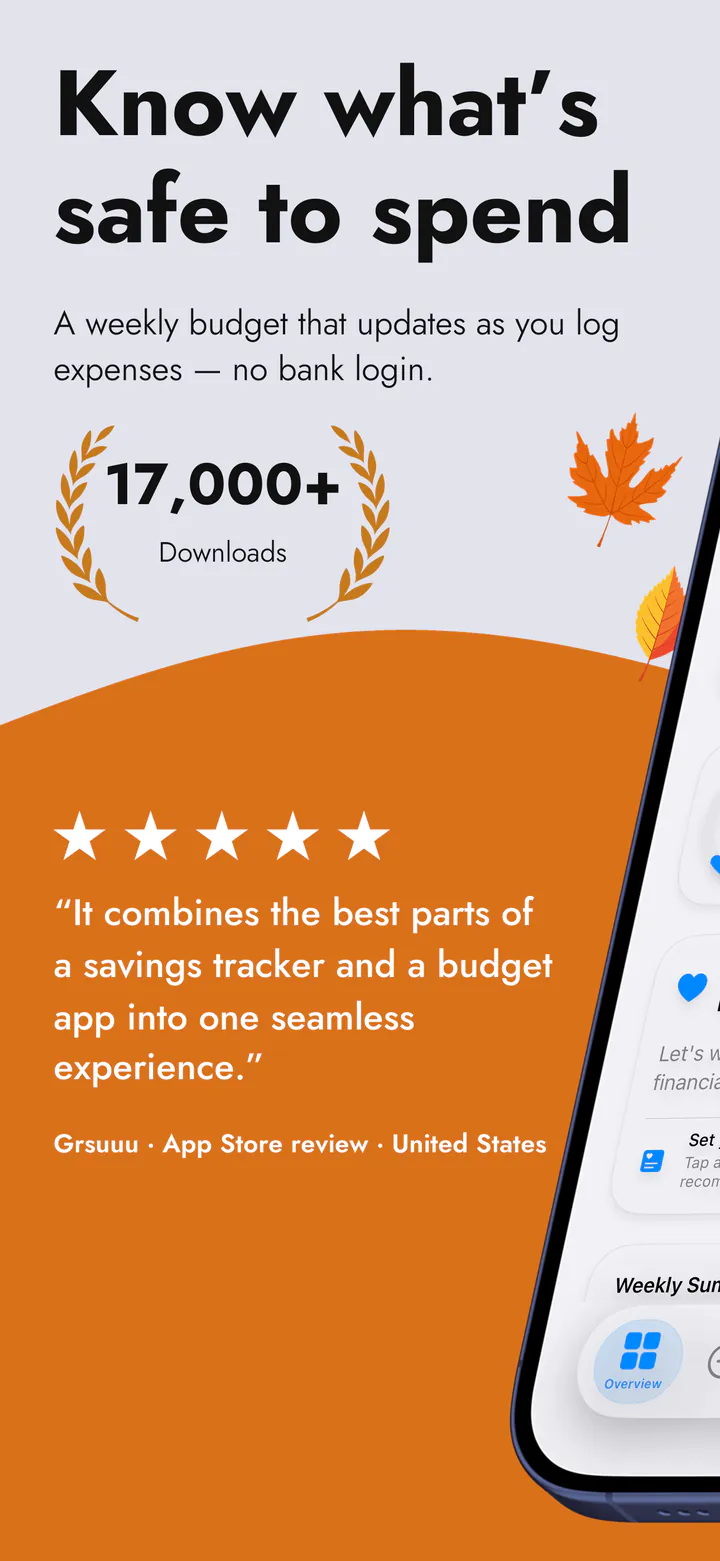
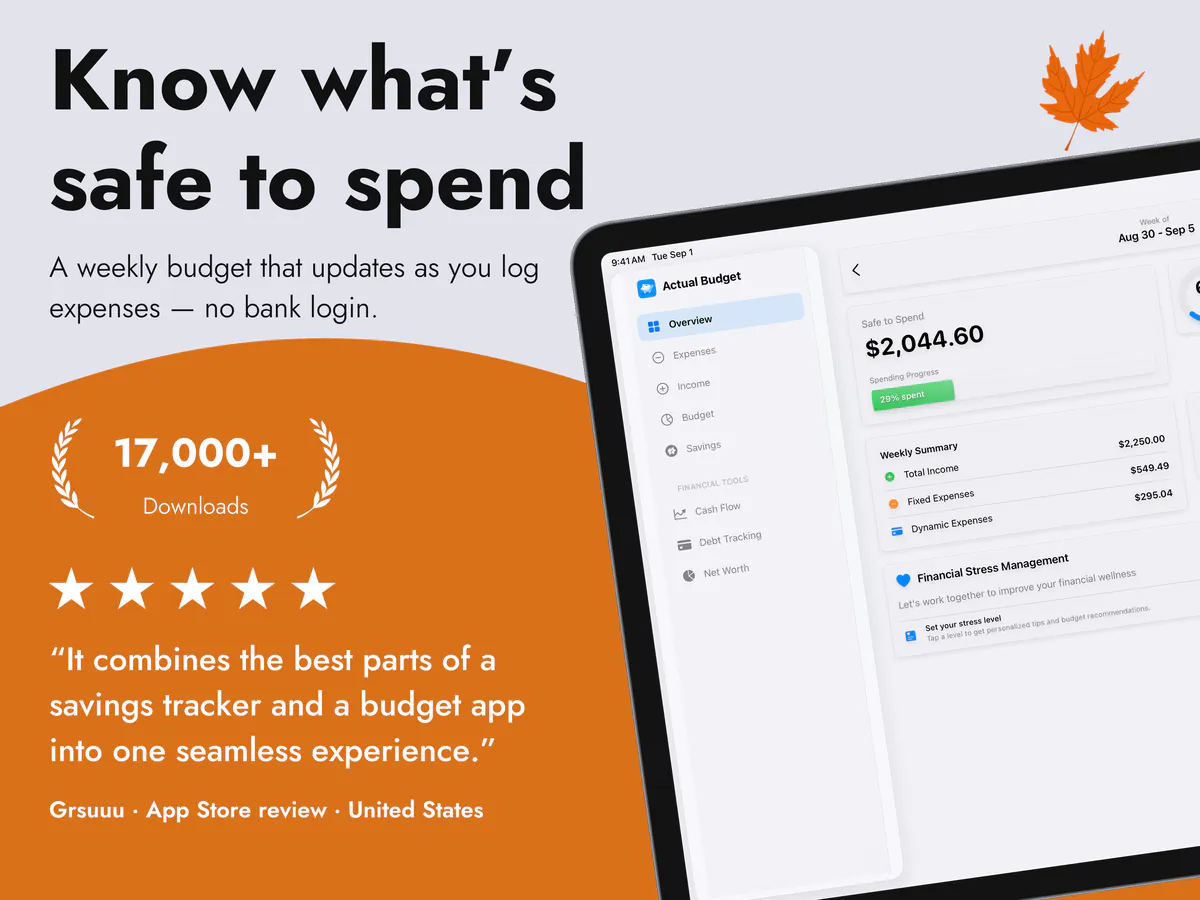
Know what’s safe to spend
17,000+ Downloads
Works offline
16 languages
No ads

The app itself

Real screens, in your language.

Not mock-ups. This is the app running, with the language and currency of your store.

Your store's own screens are still being prepared, so the English set is shown here.

Know what’s safe to spend
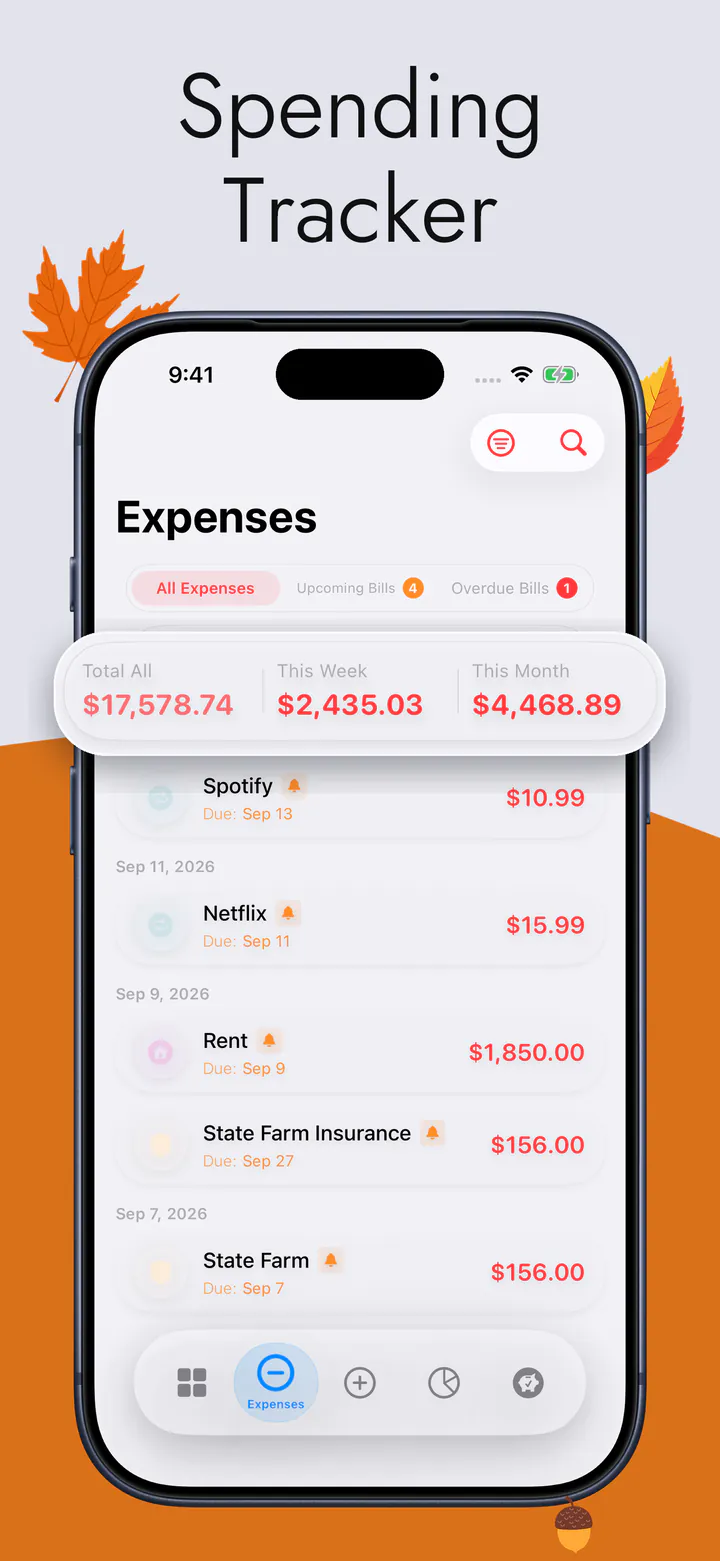
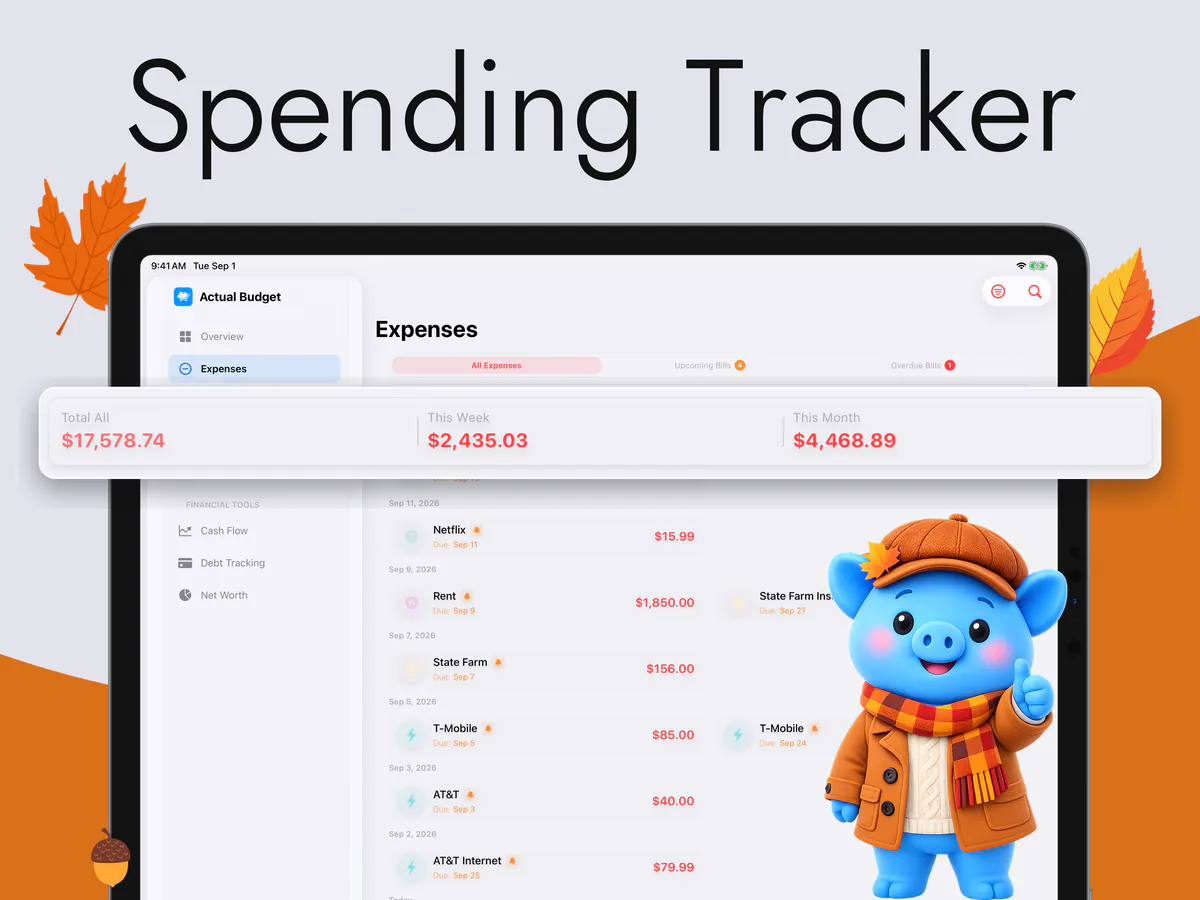
Spending Tracker
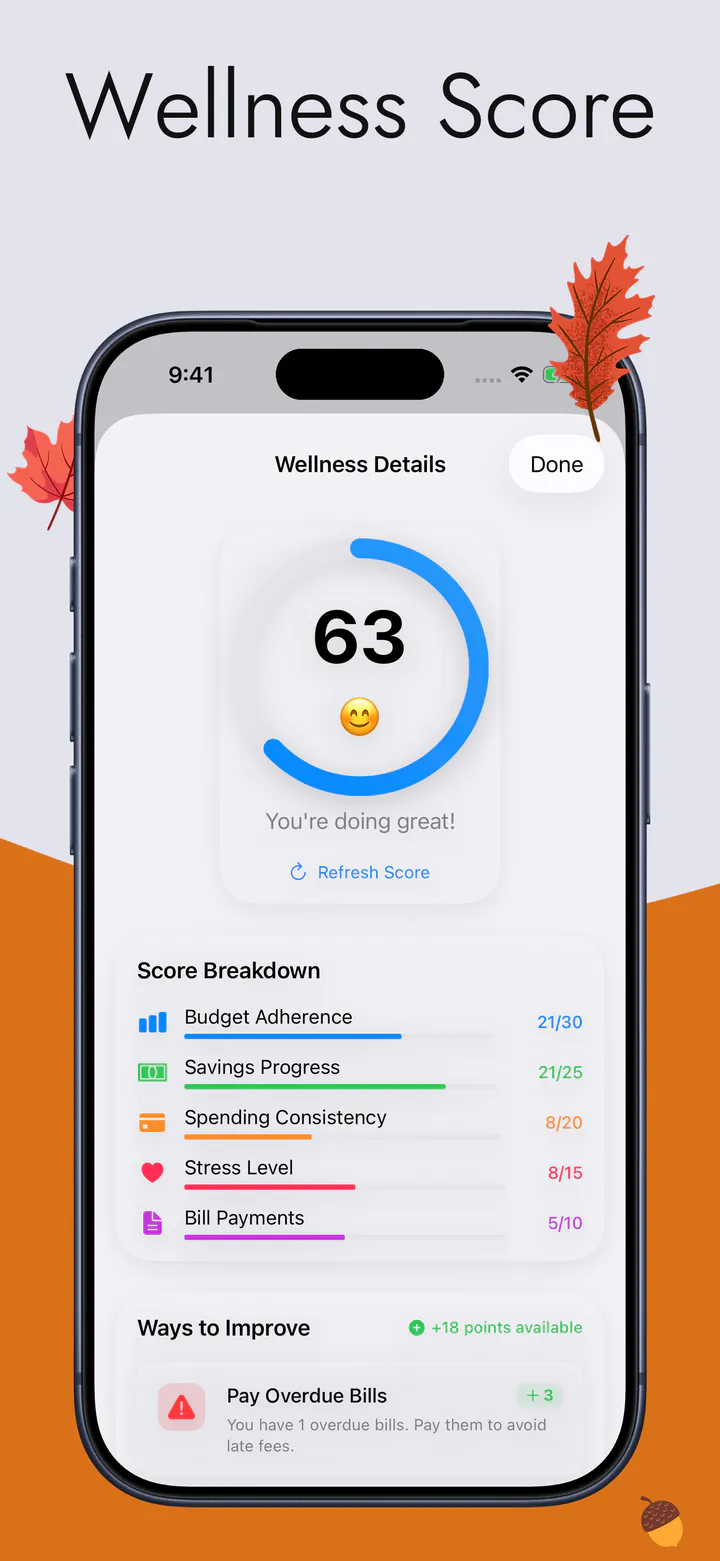
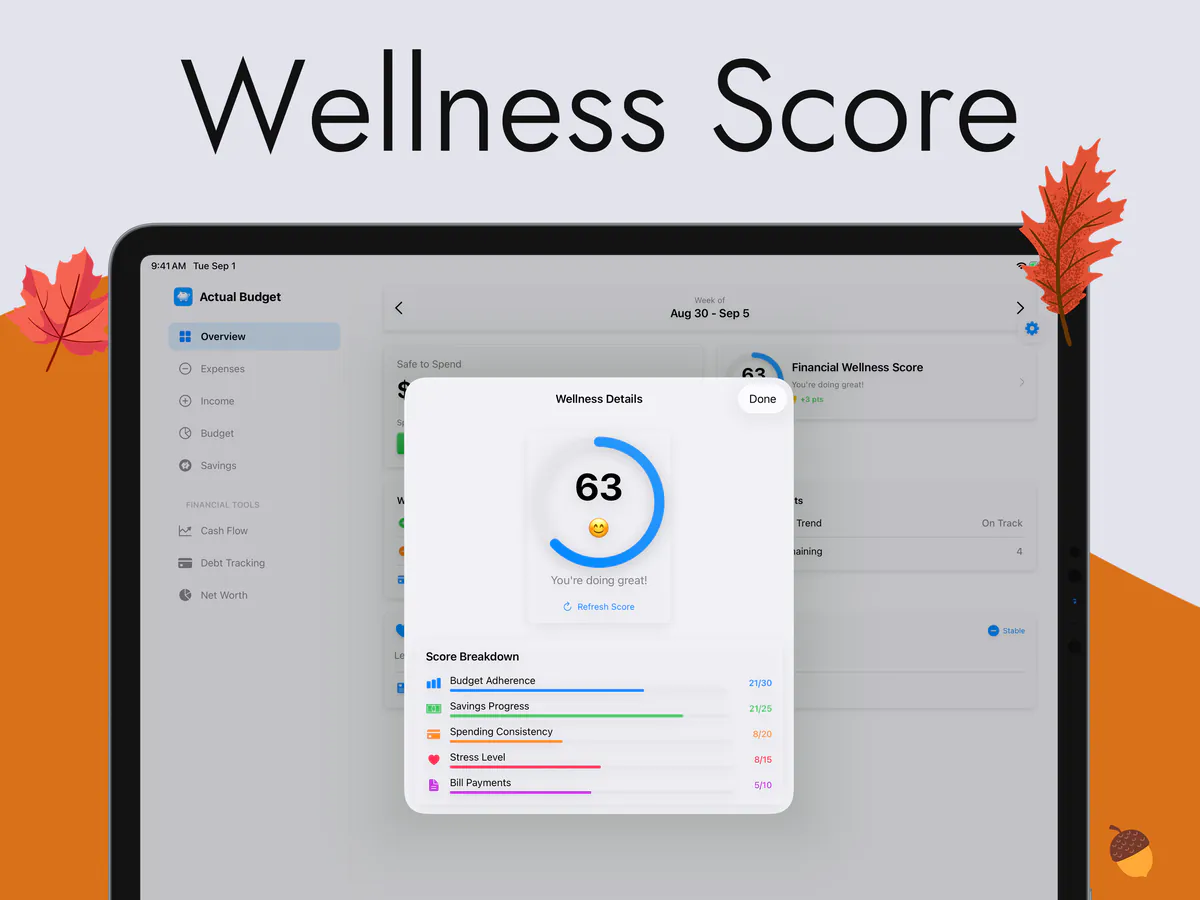
Wellness Score
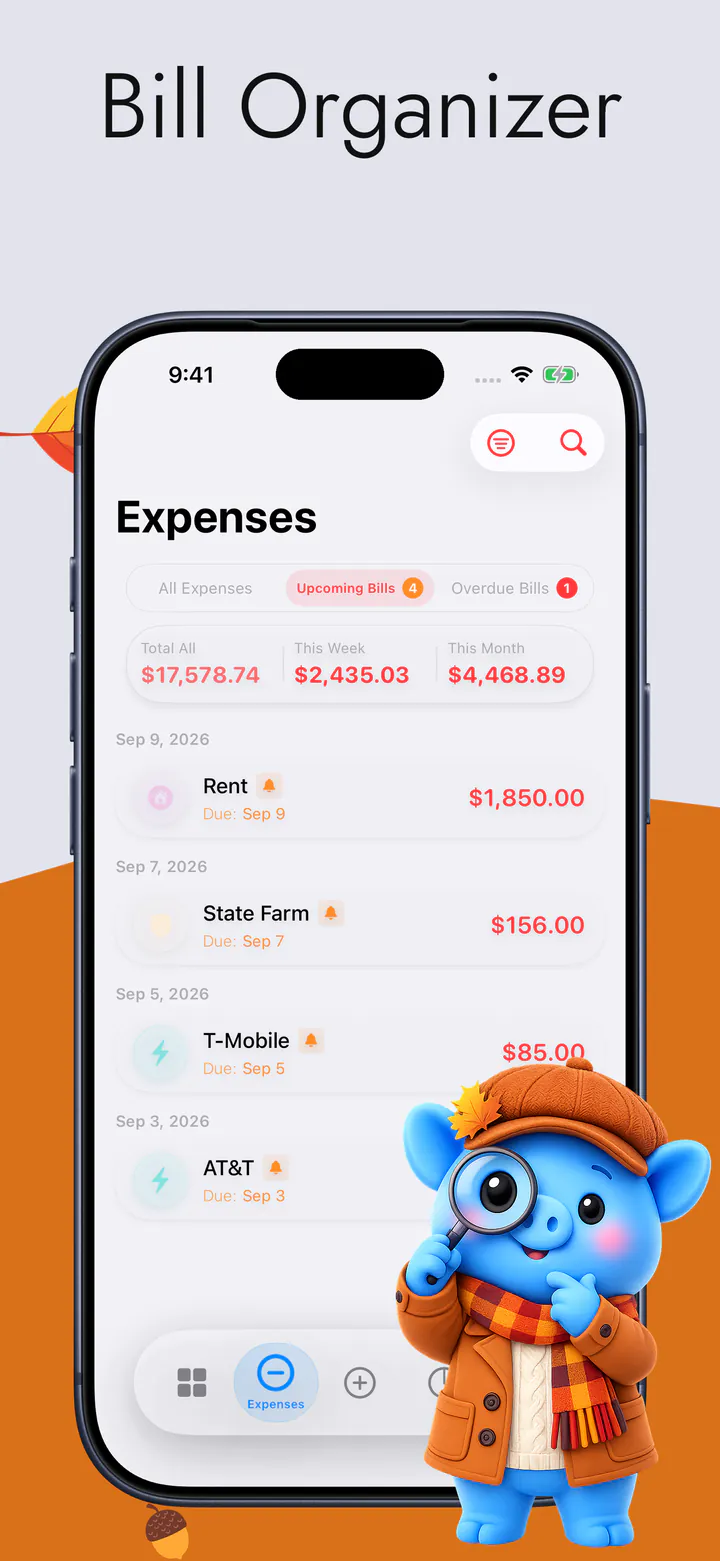
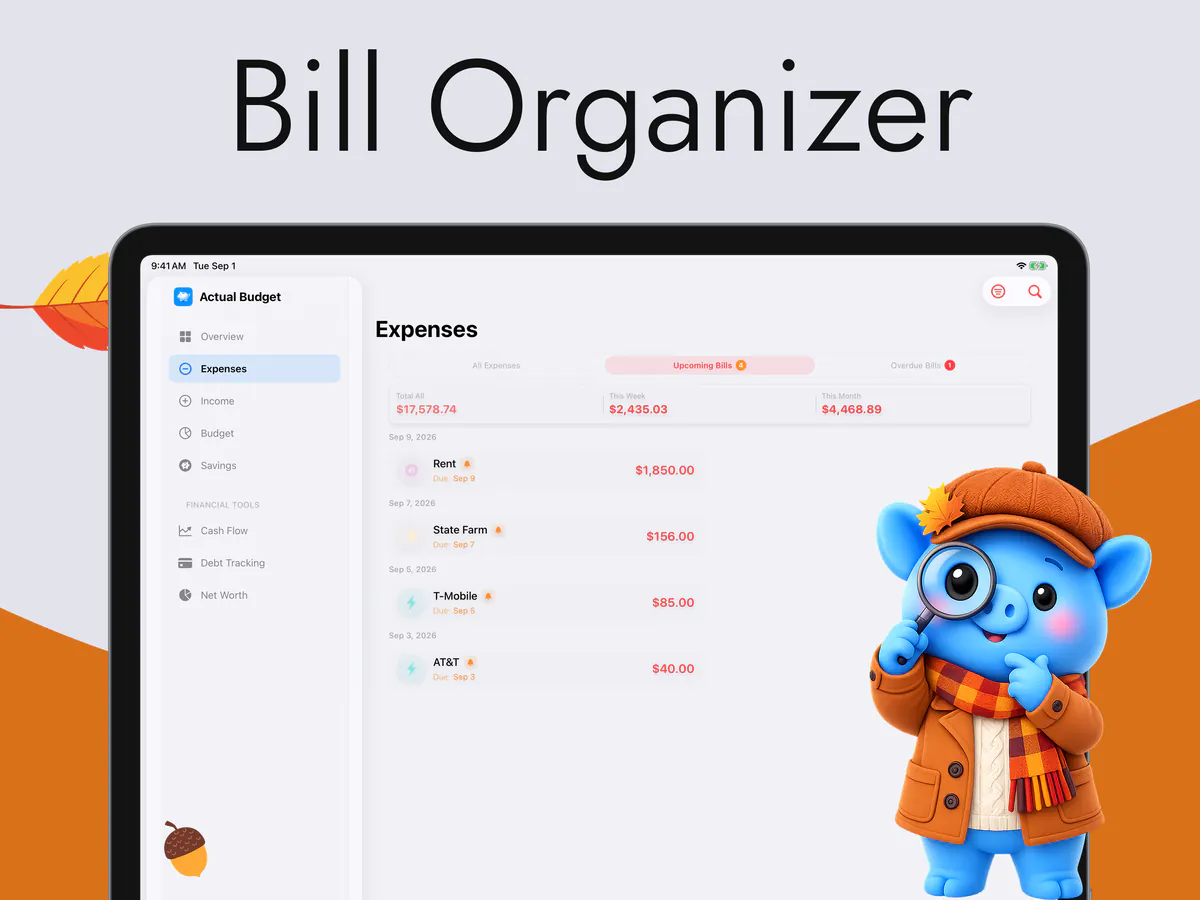
Bill Organizer
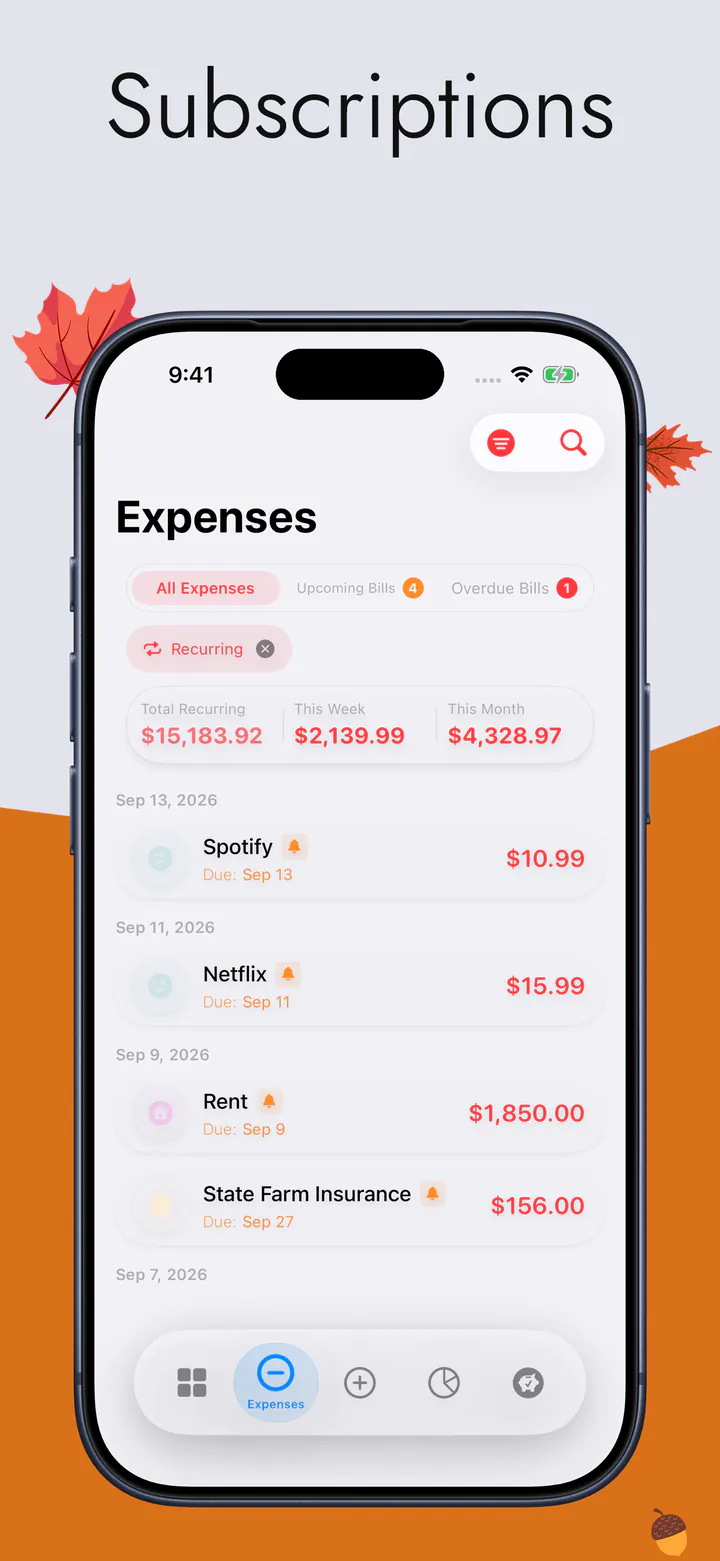
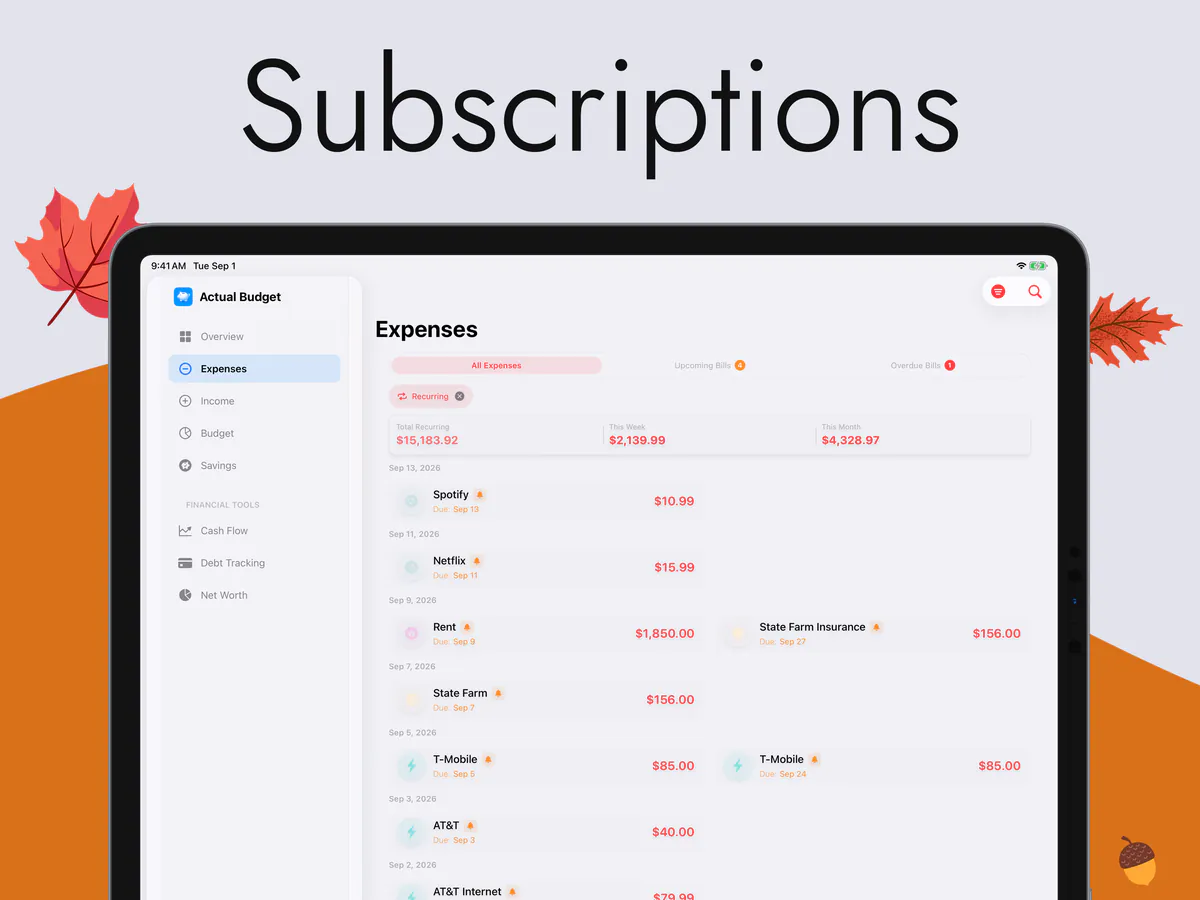
Subscriptions
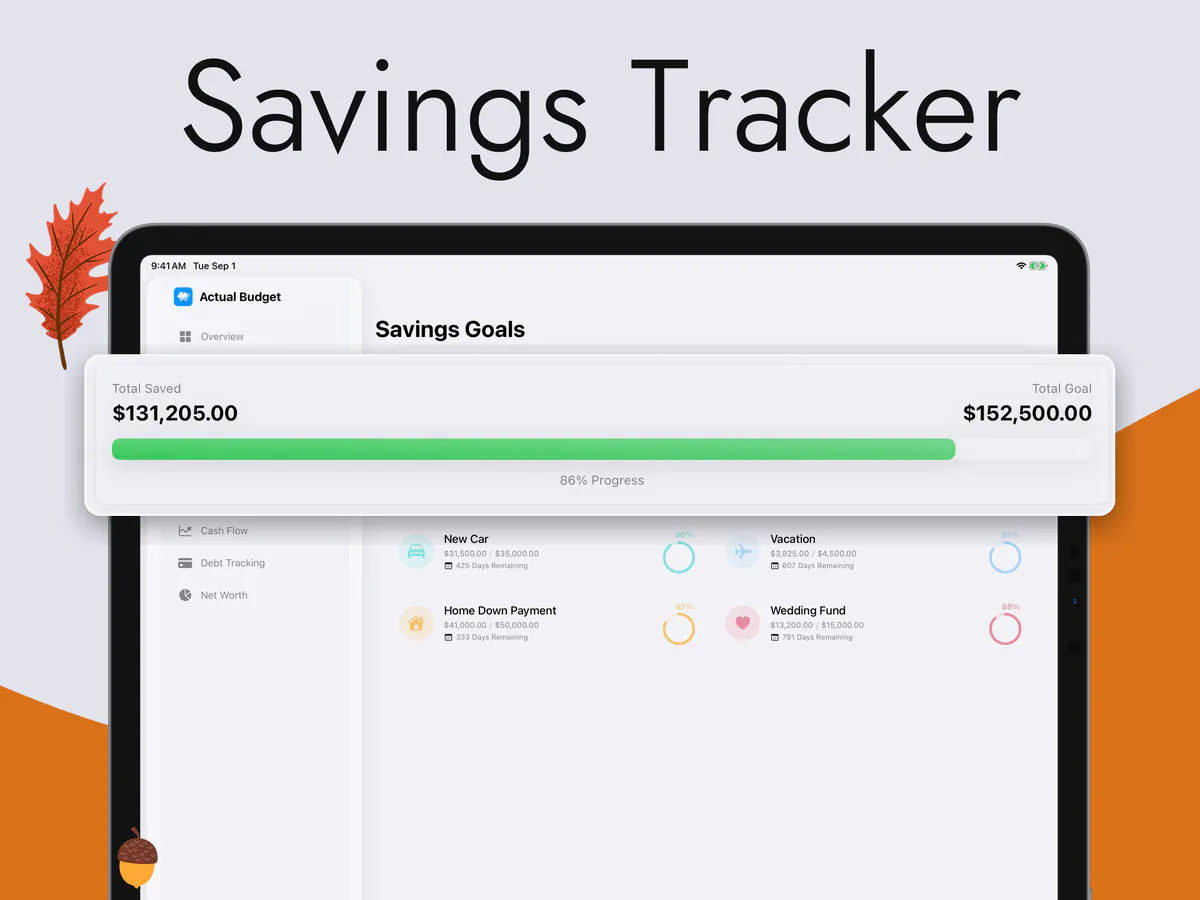
Savings Tracker
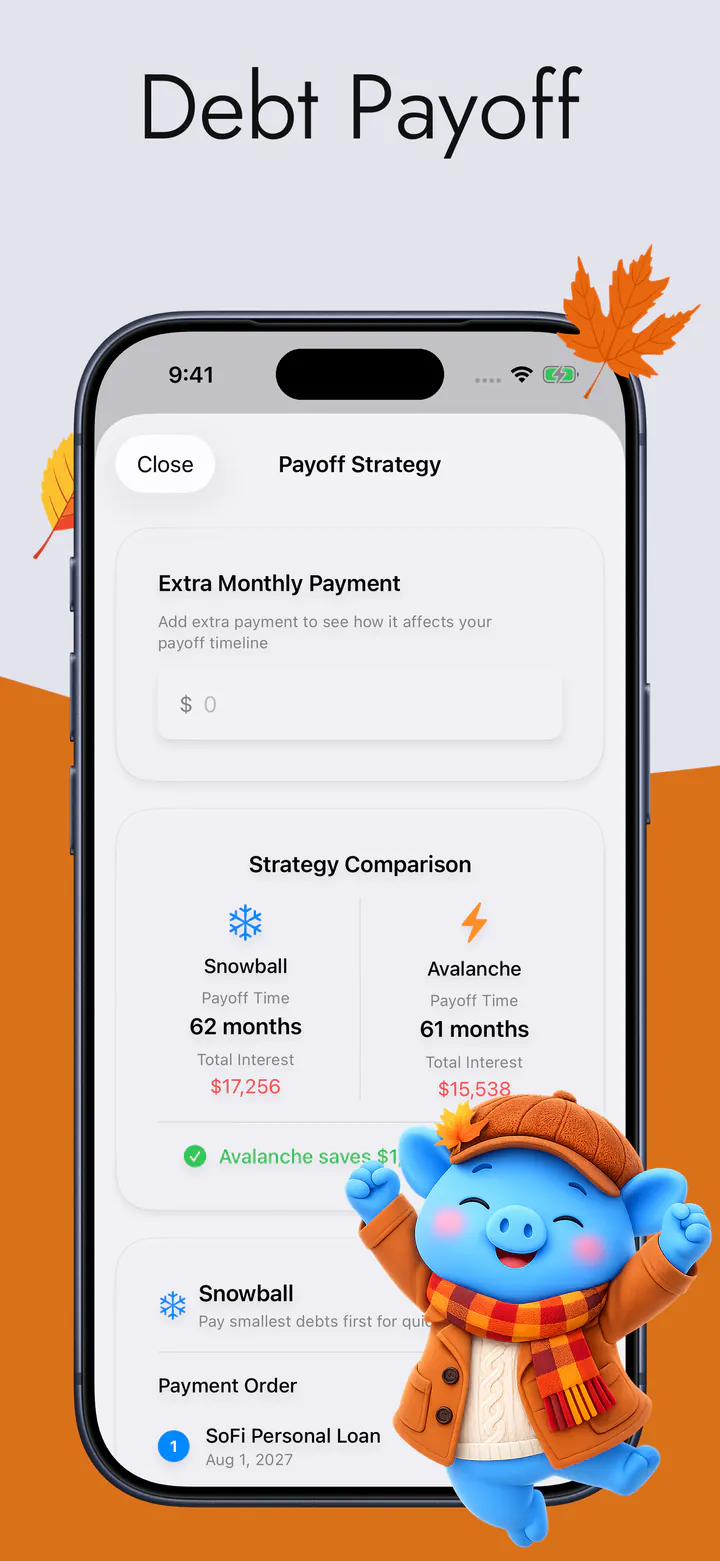
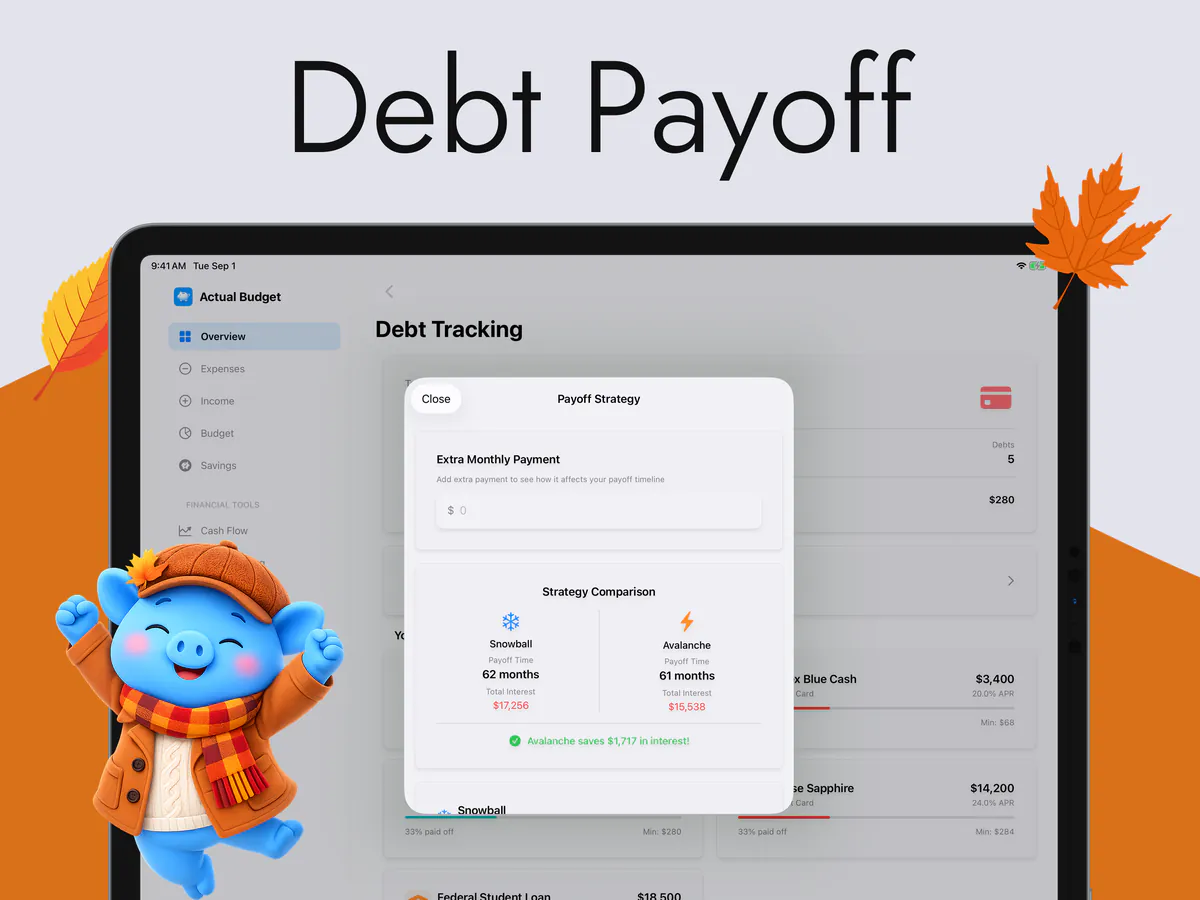
Debt Payoff
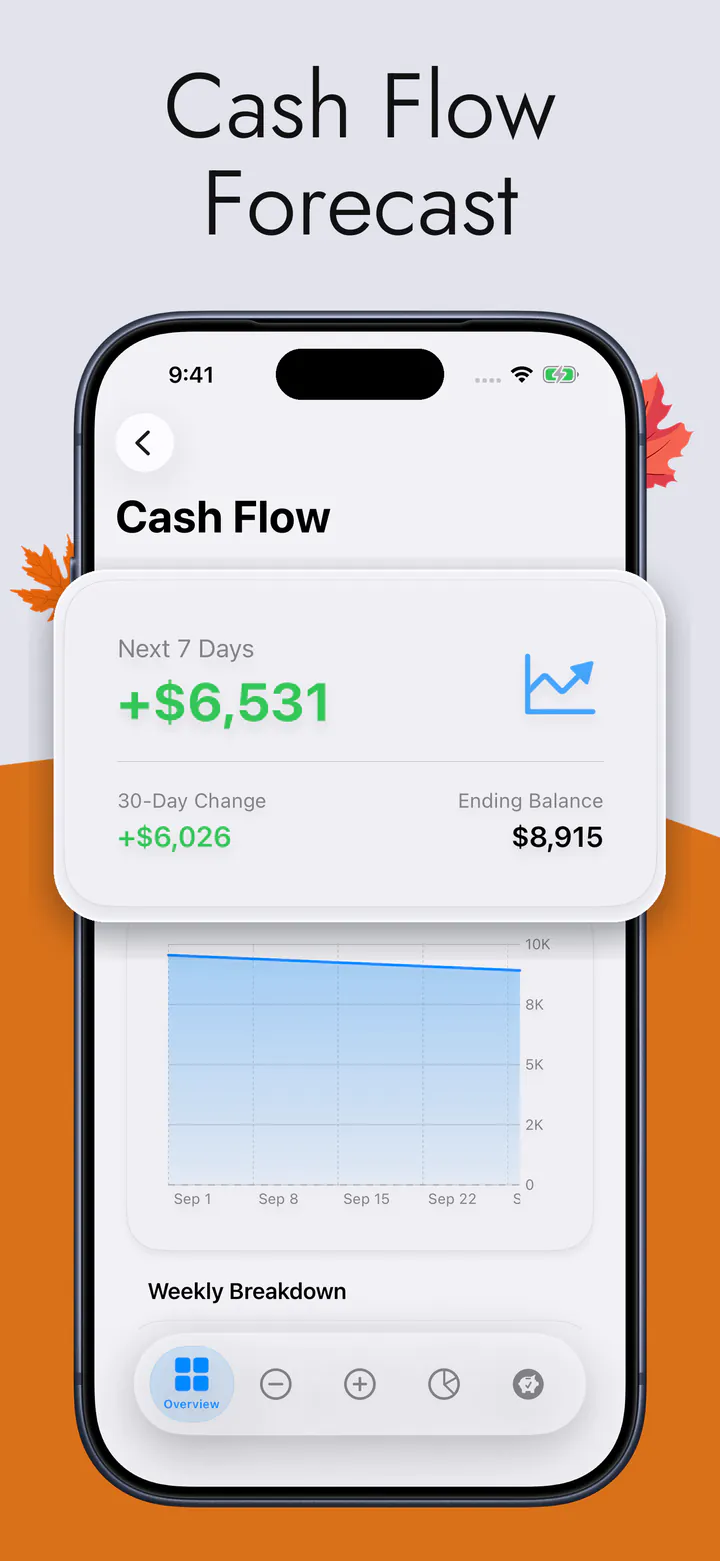
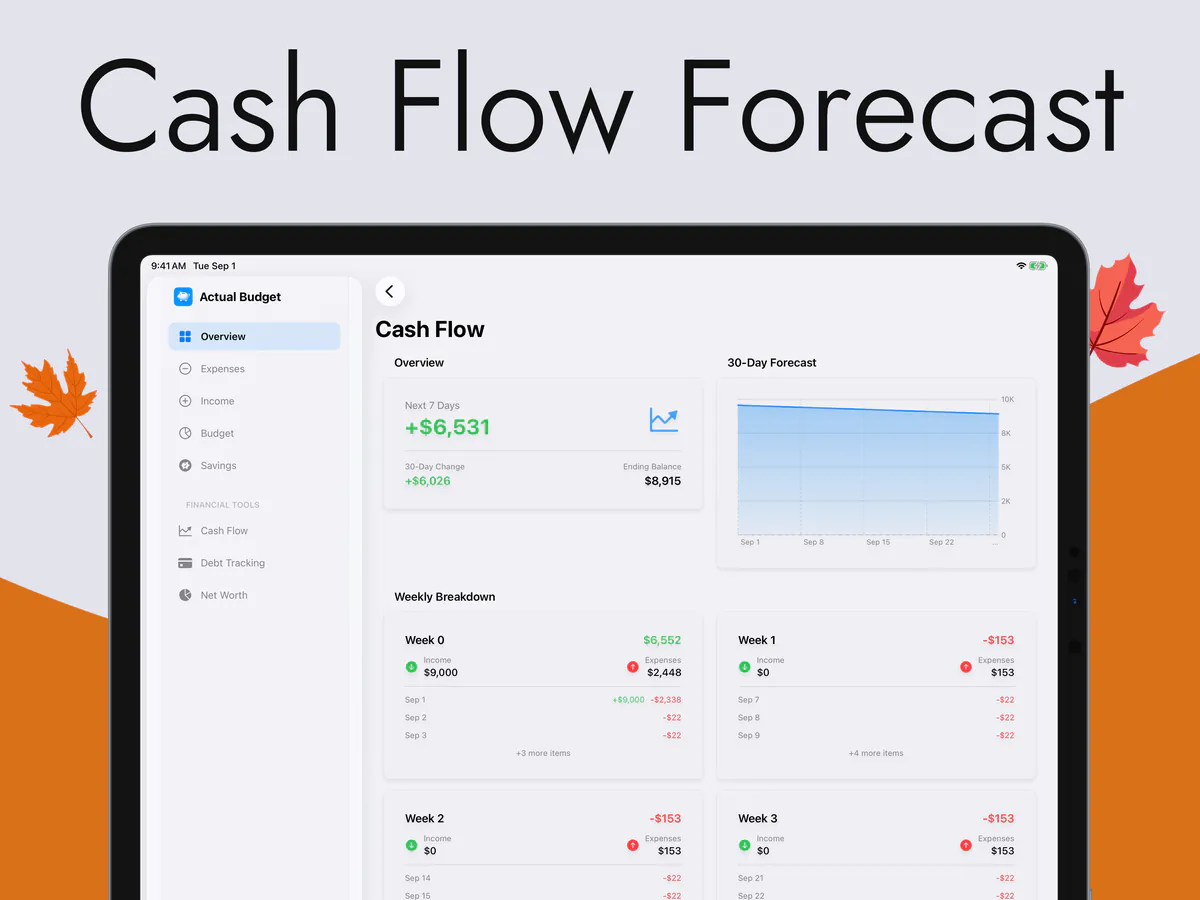
Cash Flow Forecast
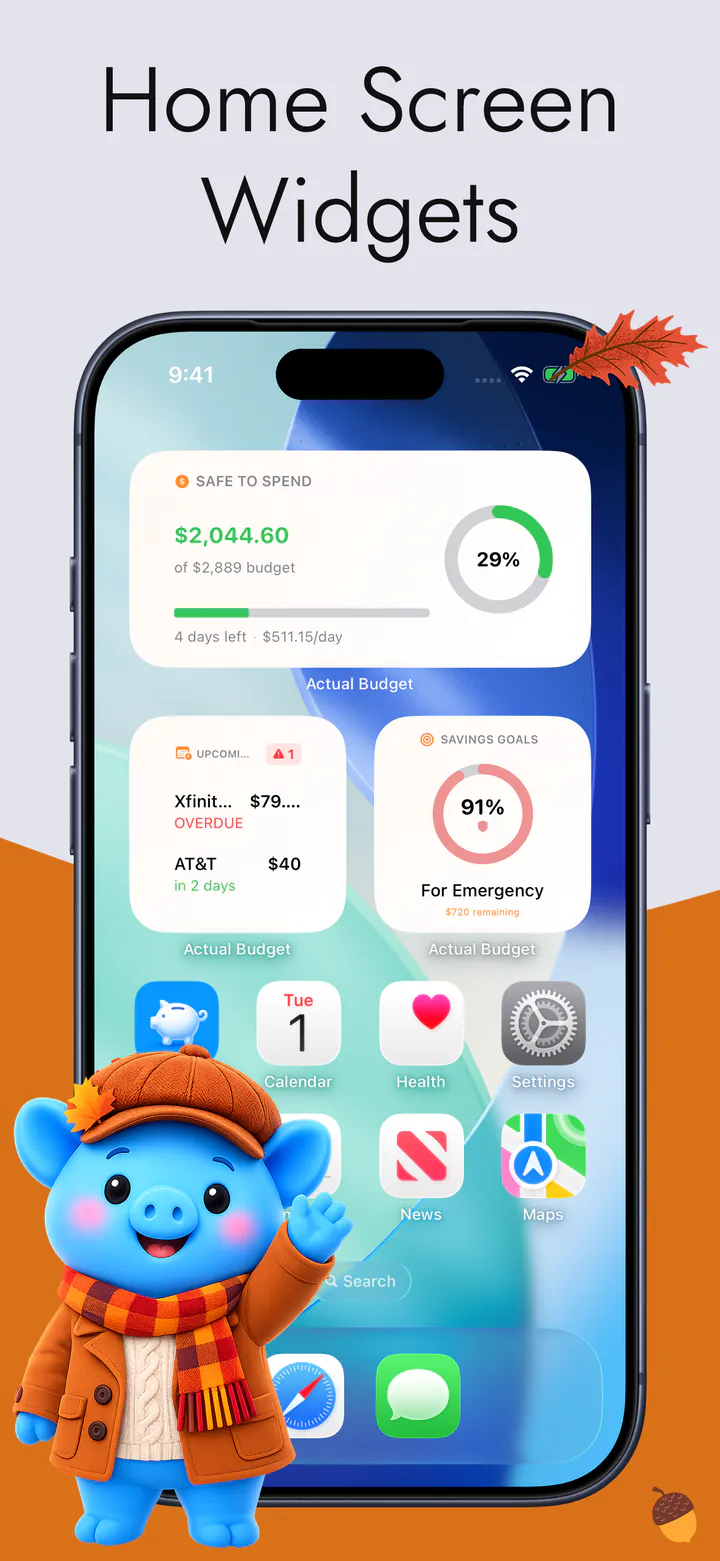
Home Screen Widgets

What it does

Built around one number.

Everything else in the app is there to keep that number honest.

01

Smart Spending

One figure on the Overview: what is left for the rest of the week, after bills, goals and what you have already spent.

02

Spending Tracker

Every expense in one list, sorted into categories, with the week's and the month's totals above it.

03

Wellness Score

A single score for where your money stands, the five parts it is built from, and what to fix first.

04

Bill Organizer

What is due and what is late, in the order it needs paying — so nothing arrives as a surprise.

05

Subscriptions

Every repeating charge in one place, with what the whole set costs you each month.

06

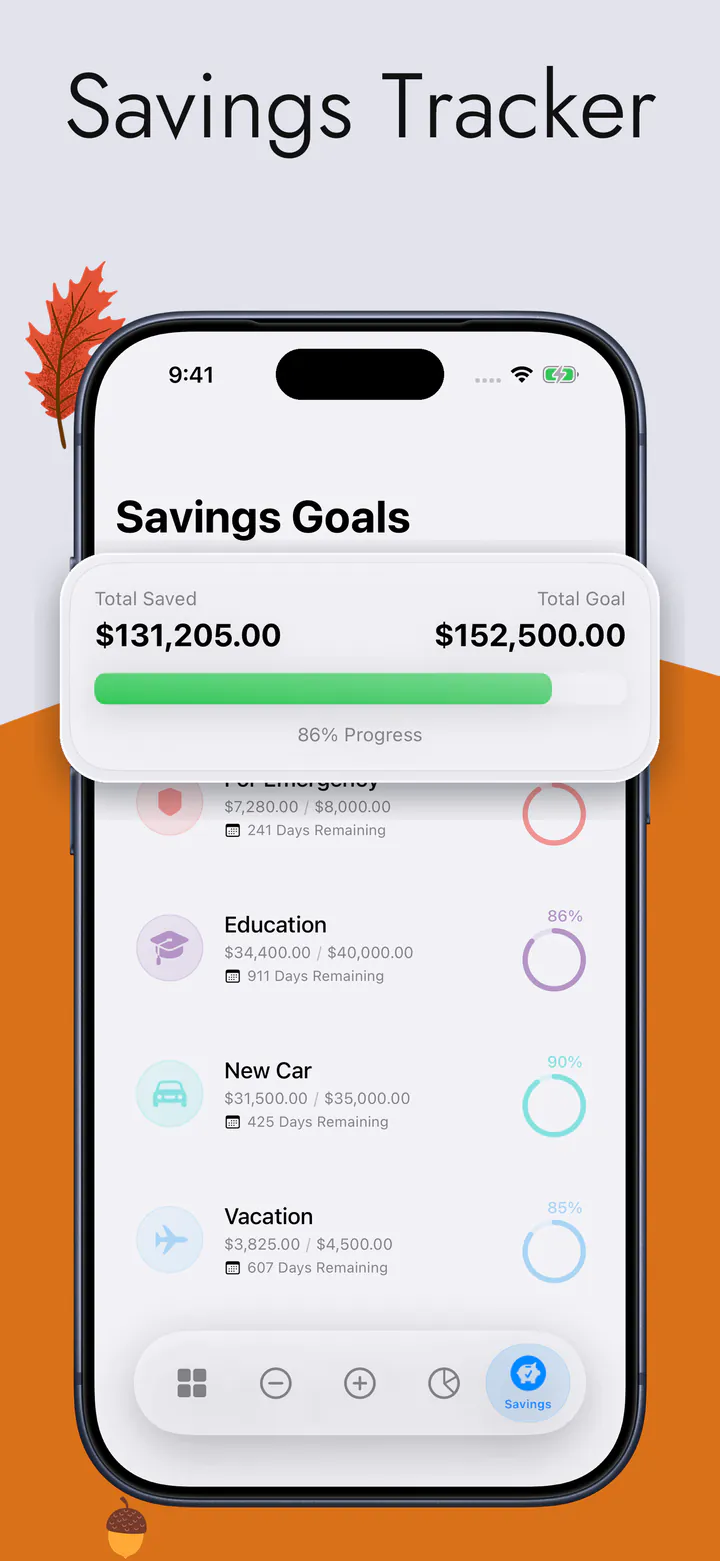
Savings Tracker

A ring for each goal, so you can see how close you are without doing the arithmetic.

07

Debt Payoff

Snowball against avalanche, side by side, with the payoff order and the interest each one saves.

08

Cash Flow Forecast

Thirty days of money in and money out, and the balance you land on at the end of it.

09

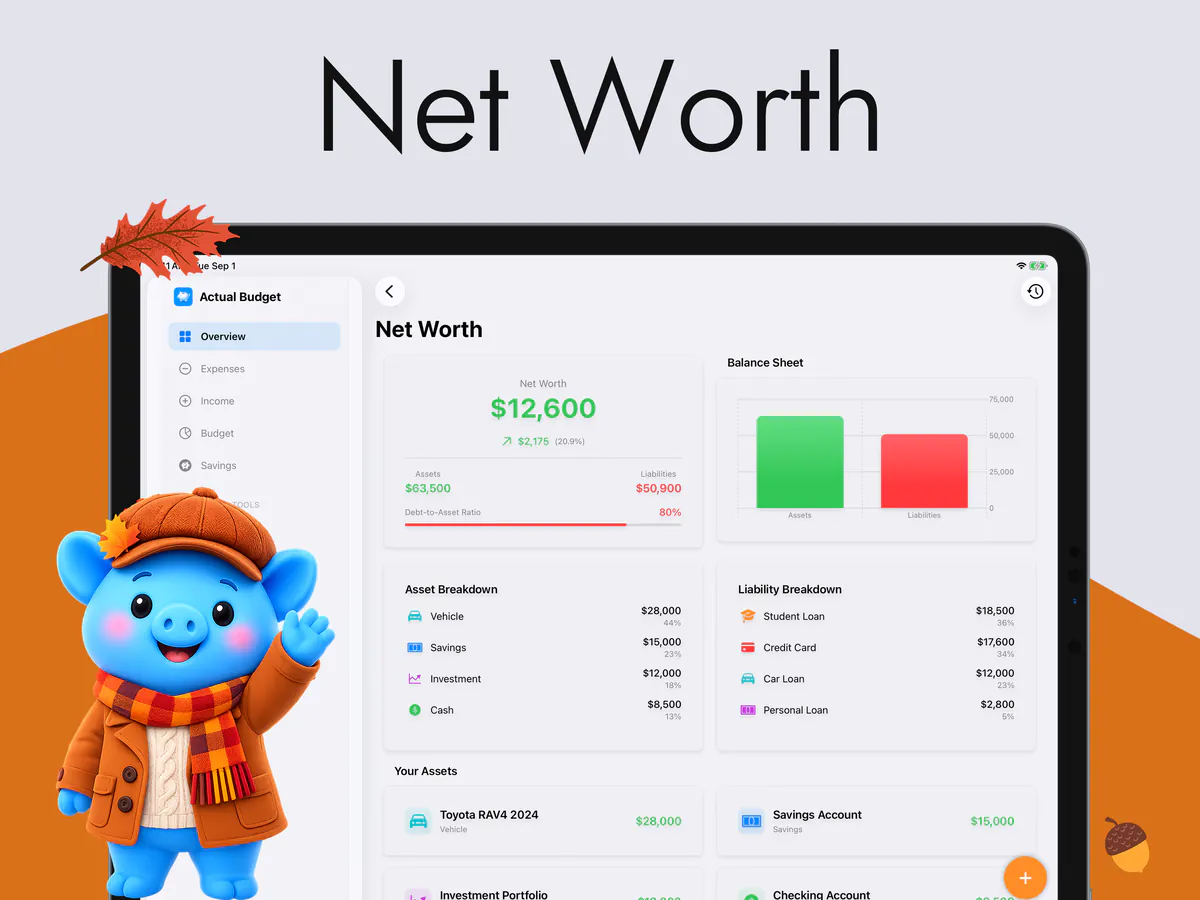
Net Worth

What you own against what you owe, on one sheet that keeps itself up to date.

10

Home Screen Widgets

Safe to Spend, the next bills and your goals on the Home Screen and the Lock Screen.

From the App Store

Quoted word for word from a review on the App Store.

Questions

Before you download.

Is this the open-source Actual Budget?

No, and this is the question we most want to answer before you install. This is an independent iPhone and iPad app built by Halim Öztürk. It has no connection to actualbudget.org, it cannot sync with an Actual Budget server, and it is not a client for it. If a self-hosted Actual server is what you are looking for, this is not the app.

Do I have to connect my bank?

No. There is no bank login, no aggregator and no statement import — you enter what you spend. That is slower on the first day and it is why the app works offline, in any country, without handing your banking credentials to anybody.

Where does my data live?

Your budget records stay on your device, and sync through your own private iCloud if you turn that on — we cannot read it. Merchant names, notes and account names never leave your phone. The app does send anonymous usage analytics, and some of those events include amounts; the Privacy Policy lists exactly which, and why.

What does it cost?

The app is free to download. Some features need a subscription, and there is a one-time lifetime unlock. The App Store shows the price for your country — we do not print one here, because this page cannot know which store you are buying from.

I want a refund. What do I do?

Ask Apple, not us. Apple is the seller of record for everything in the App Store — the subscription and the one-time lifetime unlock alike are a transaction between you and Apple, not between you and us. Refunds are therefore entirely Apple's to grant, and we have no part in them: we cannot issue one, approve one, refuse one, or move one along. Not a single refund has ever needed our consent, because we have none to give. Writing to us about a refund cannot change the answer — it only costs you days.

The one route that works is Apple's own: go to reportaproblem.apple.com, sign in with the Apple Account that made the purchase, choose the item and say what went wrong. Apple decides and tells you directly, usually within a few days. If the answer is no, that same page is where you ask them to look again. You can also reach it on your iPhone: App Store → your photo → Purchased.

Everything else, though — something broken, something missing, something you cannot find — really is ours, and we answer it.

Which devices, and which languages?

iPhone and iPad, on iOS 18 or later, with widgets for the Home Screen and the Lock Screen. The app itself is translated into 16 languages.

Wondering about the bank connection? Read why this is a budget app without bank sync.

Using an iPad? See what the iPad layout actually looks like.

Coming from a spreadsheet? The honest comparison, including where the spreadsheet wins.

In Canada? See what a budget app with no bank connection changes there.

Paying for more subscriptions than you can name? See how they are tracked here.

Support

A person reads every message.

Something broken, something missing, or something you cannot find — write, and you get an answer.

halimozturk@windowslive.com

Refunds are handled entirely by Apple. We cannot issue, approve or speed one up. How refunds work